|
Audio Asylum Thread Printer Get a view of an entire thread on one page |
For Sale Ads |
|
|
Audio Asylum Thread Printer Get a view of an entire thread on one page |
For Sale Ads |
75.71.219.5
We had our outdated CableTV box replaced with the latest tech a couple months ago. I learned that the CableTV company broadcasts certain special events in 4K UHD. The new CableTV box supports it along with our TV's. Some over-the-air TV (you know, with old school TV antenna) also transmit 4K broadcasts but your TV will need an ATSC 3.0 compatible tuner.While I'm not a videophile and 4K isn't a priority I found that the picture quality can be quite amazing. I played with 4K on the 55" OLED TV in the family room but from what I understand the higher resolution is even more noticeable on larger screens. We've streamed movies in 4K before but live broadcasts are especially crisp.
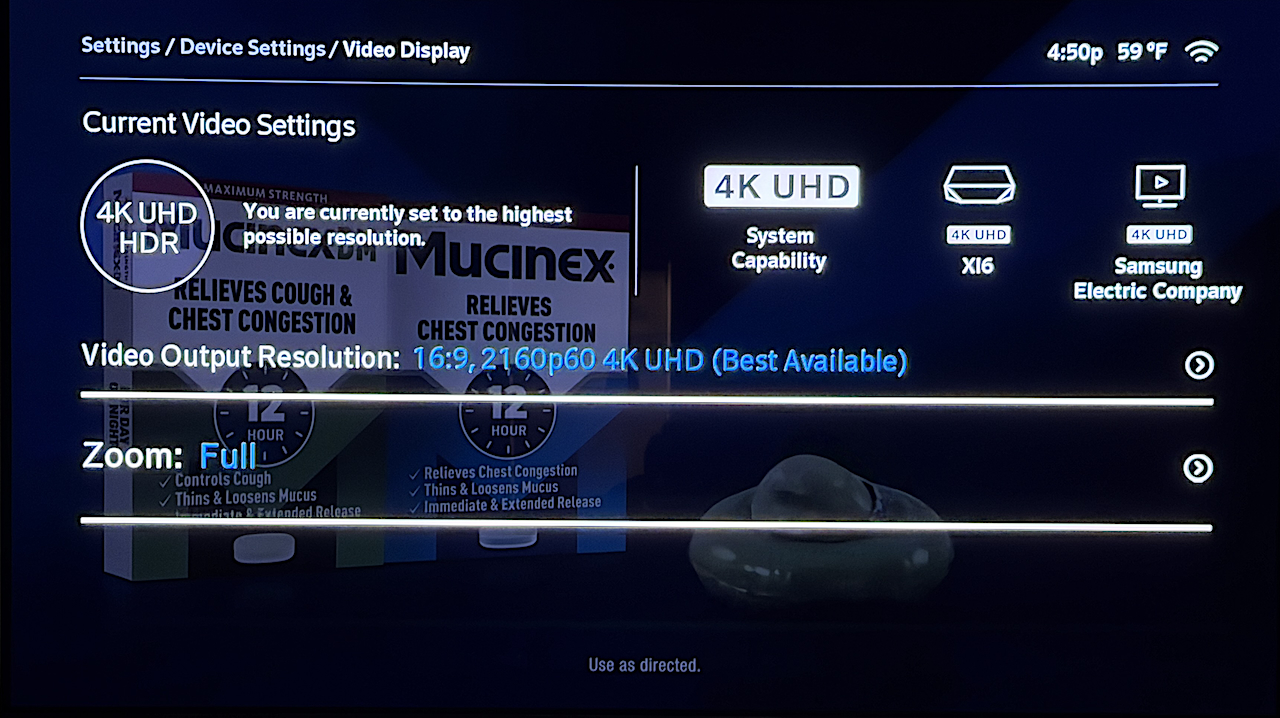
The Xi6 Cable box and TV support 4K UHD HDR
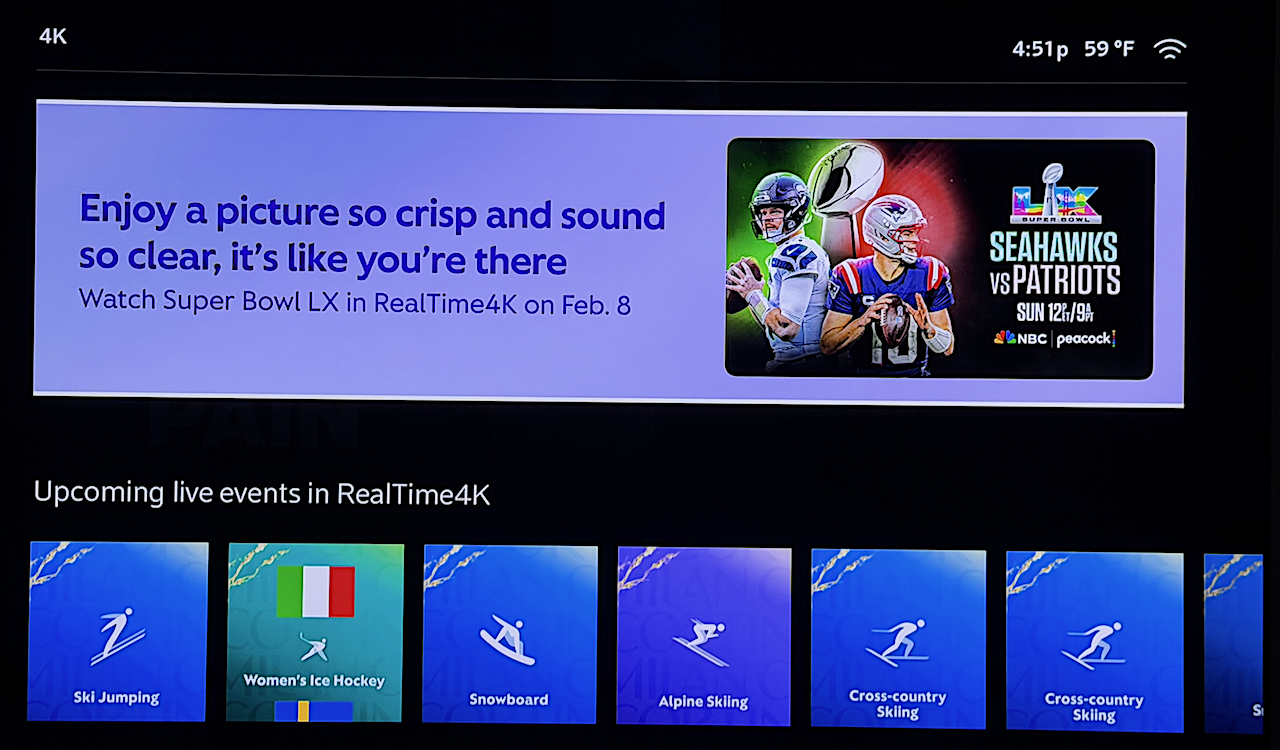
We'll checkout the Super Bowl in 4K Sunday evening
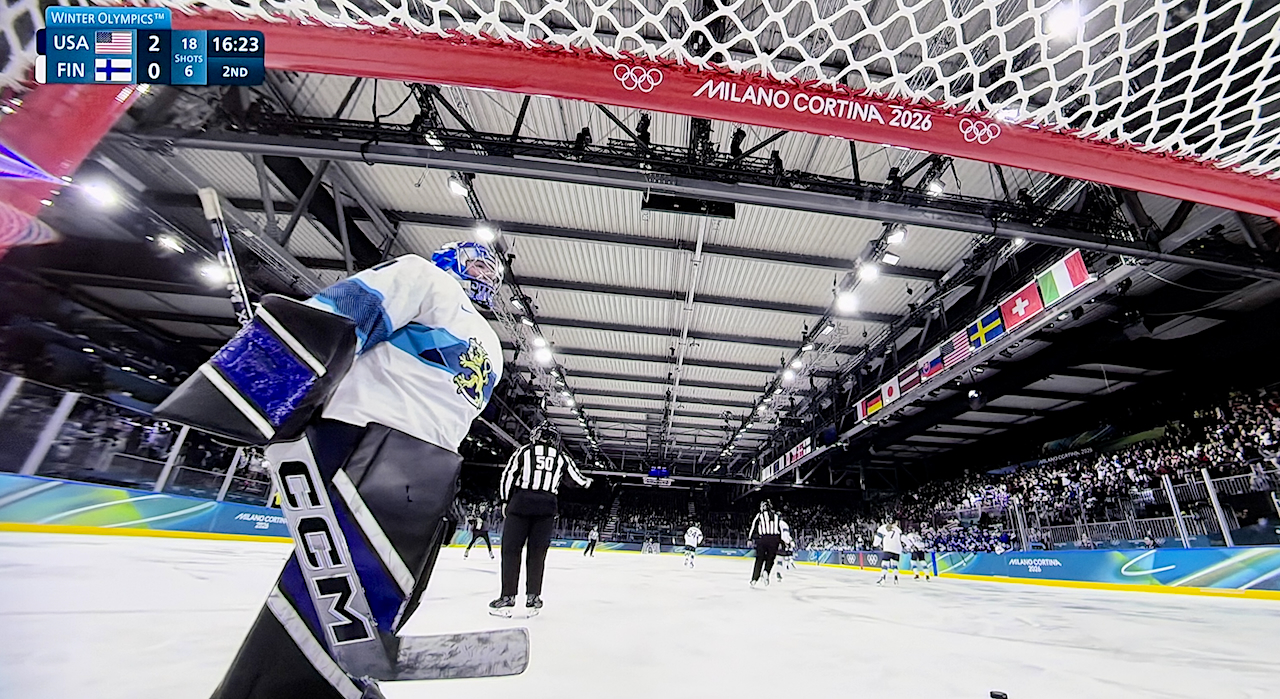
The iPhone snapshots of the TV screens above don't do it justice. We were watching some Winter Olympics in 4K last night."4K UHD (Ultra High Definition) has a screen resolution of 3840 x 2160 pixels, offering four times the detail of 1080p Full HD. These screens feature over 8 million pixels, resulting in sharper, more detailed images, particularly on larger screens. They also often support HDR (High Dynamic Range) for better color and brightness."
Edits: 02/08/26 02/08/26Follow Ups:
My cablecards that I use for my HDHomeRun boxes for Plex are only 720p. The newer boxes from Cox are still only 1080p. They're getting a new box over the internet that will have a few 4K channels.Anyway, my 75" TVs look really good as the upsampling is pretty good with 720p sources. Even sitting 8' away from my 77" LG OLED, it's pretty good, probably close to an 1080p source.
OTOH, NetFix 4K is awesome, but I don't notice it much unless I see a wild hair that's annoying sometimes. What I do notice the most is true 4K UHD when there is a lot of dark pictures. The LG OLED is fantastic. Otherwise, often those dark pictures just get lost somewhat.
Do you have an antenna to get 4K for the networks? How does that look?
-Rod
Edits: 02/08/26
Wife handles our Netflix subscription and I honestly don't know if we get Netflix 4K. If that requires an upgrade tier I don't think we have it. Several movies via AppleTV are available in 4K.I was complaining about tearing and pixelated TV images a couple months ago. That's when Comcast swapped out our aging Cable Boxes for their Xi6 which doesn't require the coax - I think they call it IPTV as it all comes through internet. These new boxes support 4K UHD HDR so I am only recently discovering this feature.
We get over-the-air HDTV (1080P) via outdoor antenna on the basement TV but it doesn't have the newer ATSC 3.0 tuner which is required for OTA 4K.... and I'm not sure which stations if any in our area are transmitting 4K. There might be a couple but I -think- they reserve 4K for special shows or events but I'm not certain about this.
Edits: 02/08/26
You'll notice the 4K UHD tag when you start a program for NetFlix. It's surely not most of the stuff they have. I was watching one of the old 007 movies with Sean Connery from the 60s. Quality was ok, but the chase scenes and tricks were comic after being used to seeing CGI today.
-Rod
I am thinking of upgrading our (15 year old) 55" Sony TV, it is just 1920 x 1080 (HD).
I found a chart of distance vs what resolution you can actually see. I'm sitting 14 feet back from the TV. According to the chart, even this HDTV has more resolution than I can see - anything over 720P is not visible.
To fully appreciate a 4K display at 14 feet, even the largest available screen (100+ in) would be too small, yet a screen that size would look freakishly large in the room.
I notice several of the new 2026 TVs I see on Best Buy's website are 8K!
We purchased a large 4K 75" TV when we finished the basement and a 55" 4K TV for the family room about a year ago. The family room TV was an older 42" Sony that still looks great so it's been repurposed for the front bedroom with a Roku streaming box. Unlike modern "smart TV's", the old Sony has no built-in "Apps" for streaming so it needs the outboard Roku.I did some research on TV screen size vs viewing distance for the basement TV. I even cut out a piece of cardboard the size of a 65" TV and taped it to the wall with blue painters tape. 65" was supposedly the "right size" but we went up to 75" and I'm glad we did. The suggested screen height on the wall was also lower than I liked so I moved it up about one foot.
We sit about 13-feet back from the 75" screen and for us it seems just right. The screen is large but not so large that we have to move our heads or eyes back and forth to follow the action. It's up a little higher than recommended but not so high that we're looking way up (like some TV's you'll see high above a fireplace). Speaking for myself I kind of slouch back in the sofa with my head resting on the back cushion so my slouch position is looking slightly upward anyway.
Have fun searching for that perfect TV! Once you buy it the newer model will out next year :-) But from what I've seen there have been only small incremental improvements but nothing earth shattering.
P.S. 4K content is here in streaming movies and some live broadcasts but I don't know of any 8K content. Maybe it exists but who knows.
Edits: 02/08/26 02/08/26
Glad to hear 75" is a good size for your 13 foot viewing distance. I think that will be the size we will end up with, but I will need to replace the stand the TV sits on with one that is wider so the TV doesn't look oversized for the stand. We could also mount the TV on the wall which would make it easy to change the viewing angle.
We had a custom made TV stand many years ago. It also had lots of shelving, more than I need anymore.
The 77" LG OLEDs are terrific for about $2K which I updated to in my office when the old 65" died. The picture below is an old 75" Sony 940. At the time, OLEDs only went up to 65" pictures at the time. Ah, but the Sony has an excellent picture and it takes two strong guys to move it. My newer LG has only a 1/4" deep screen with a smaller 1 1/2" box attached to the screen. You could easily move it because it's light, just awkward for the size.
Just don't ever put a TV over the fireplace!

-Rod
Wall mounting the 75" TV was something I didn't want to tackle even if I had help from the neighbor. I figured I would let Best Buy be entirely responsible from delivery to placing it up on the wall. I had my own wall mount but their guys had one that they preferred and it was slightly higher-end making it not only easier to mount but to tilt so the HDMI cable connections are easier to get to.
You're going to enjoy that big screen. I see it as a long term "investment"; something to be enjoyed for many years ahead so I didn't want to skimp. We didn't buy top-of-the-line but went mid-upper. Have fun!

| FAQ |
Post a Message! |
Forgot Password? |
|
||||||||||||||
|
||||||||||||||
This post is made possible by the generous support of people like you and our sponsors:
 Top of Page ]
[ Contact Us ]
[ Support/Wish List ]
[ Copyright © 2026, Audio Asylum, all rights reserved ]
Top of Page ]
[ Contact Us ]
[ Support/Wish List ]
[ Copyright © 2026, Audio Asylum, all rights reserved ]